
Appearance
Testimonials
Manage customer testimonials displayed on your website.
In Beentara:
- Path: Website / App → Testimonials (
/testimonial) - Page title: Testimonials
- Permission: website.read
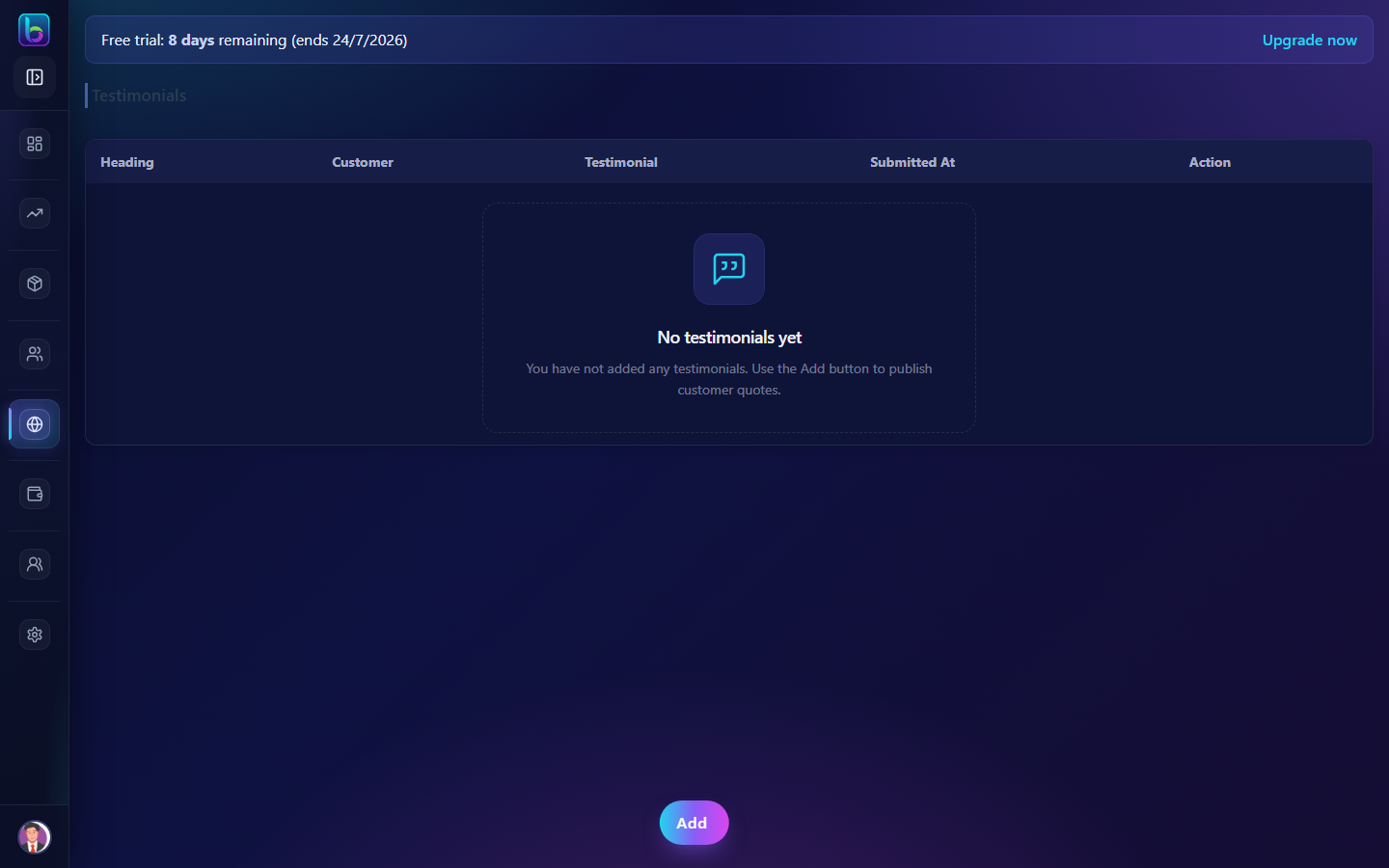 Testimonials — /testimonial
Opening the page
- Open the sidebar: Website / App → Testimonials.
- Or go to
/testimonial.
You need website.read permission where applicable (admins always have access unless noted).
Key workflows
- Add testimonial with headline, message, and author
- Edit or delete testimonials via modal
- Paginate through testimonial list
Related guides
- Reviews —
/review - Brand Assets —
/brand