
Appearance
Footer Settings
Edit website footer — company info, links, policies, social, copyright.
In Beentara:
- Path: Settings → Footer Settings (
/footer-setting) - Page title: Footer Setting
- Permission: settings.read
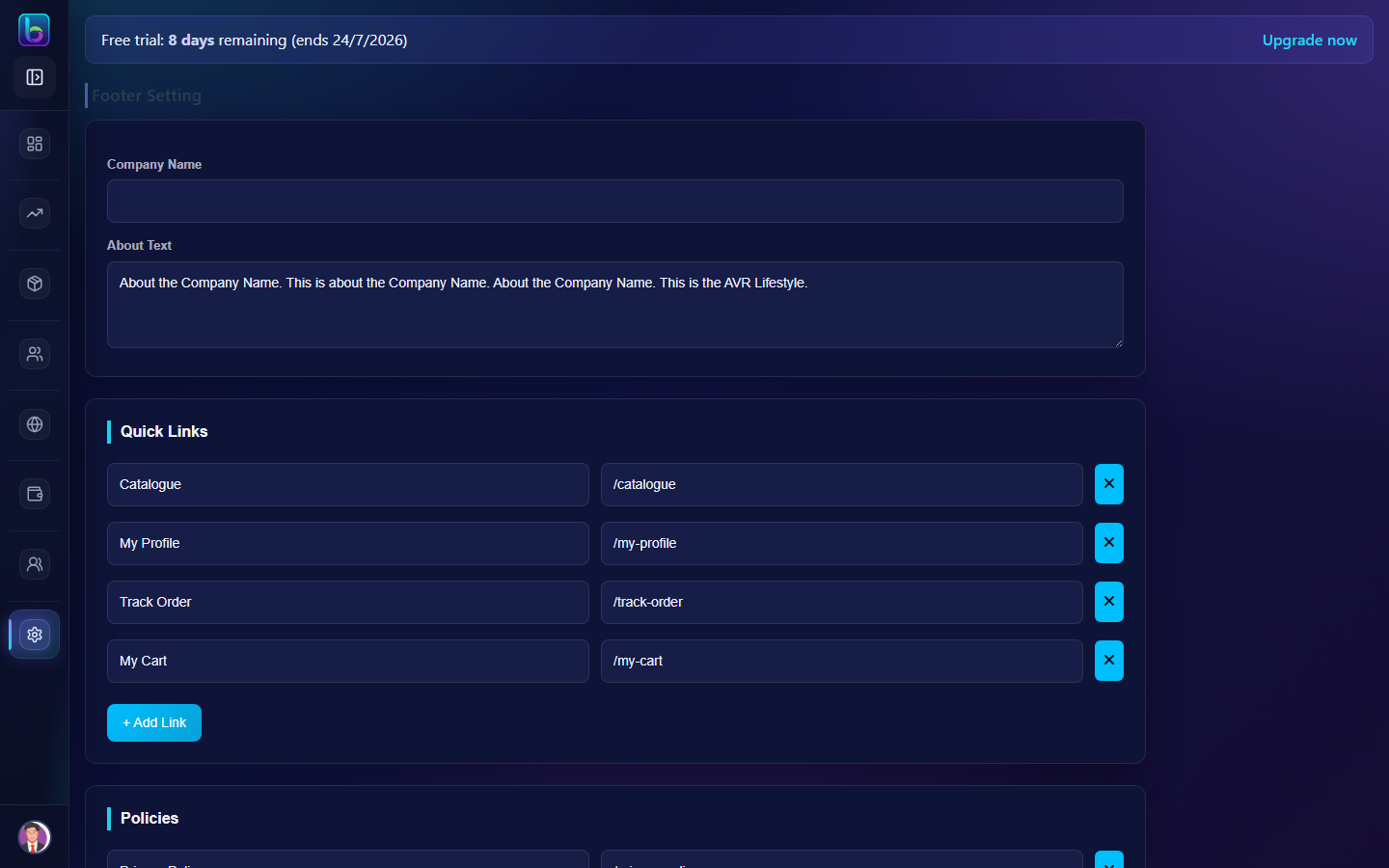 Footer Setting — /footer-setting
Opening the page
- Open the sidebar: Settings → Footer Settings.
- Or go to
/footer-setting.
You need settings.read permission where applicable (admins always have access unless noted).
Key workflows
- Update company and contact details
- Manage quick links and policy links
- Set social links and copyright text
Related guides
- Menus —
/menus - Appearance —
/appearance/customize