
Appearance
Blog Posts
Content Studio (/blog) manages all blog posts — drafts, published articles, trash, and bulk actions.
In Beentara:
- Posts list: Website / App → Blog → Posts (
/blog) - Write post: Add Blog →
/add-blog - Permission:
website.read
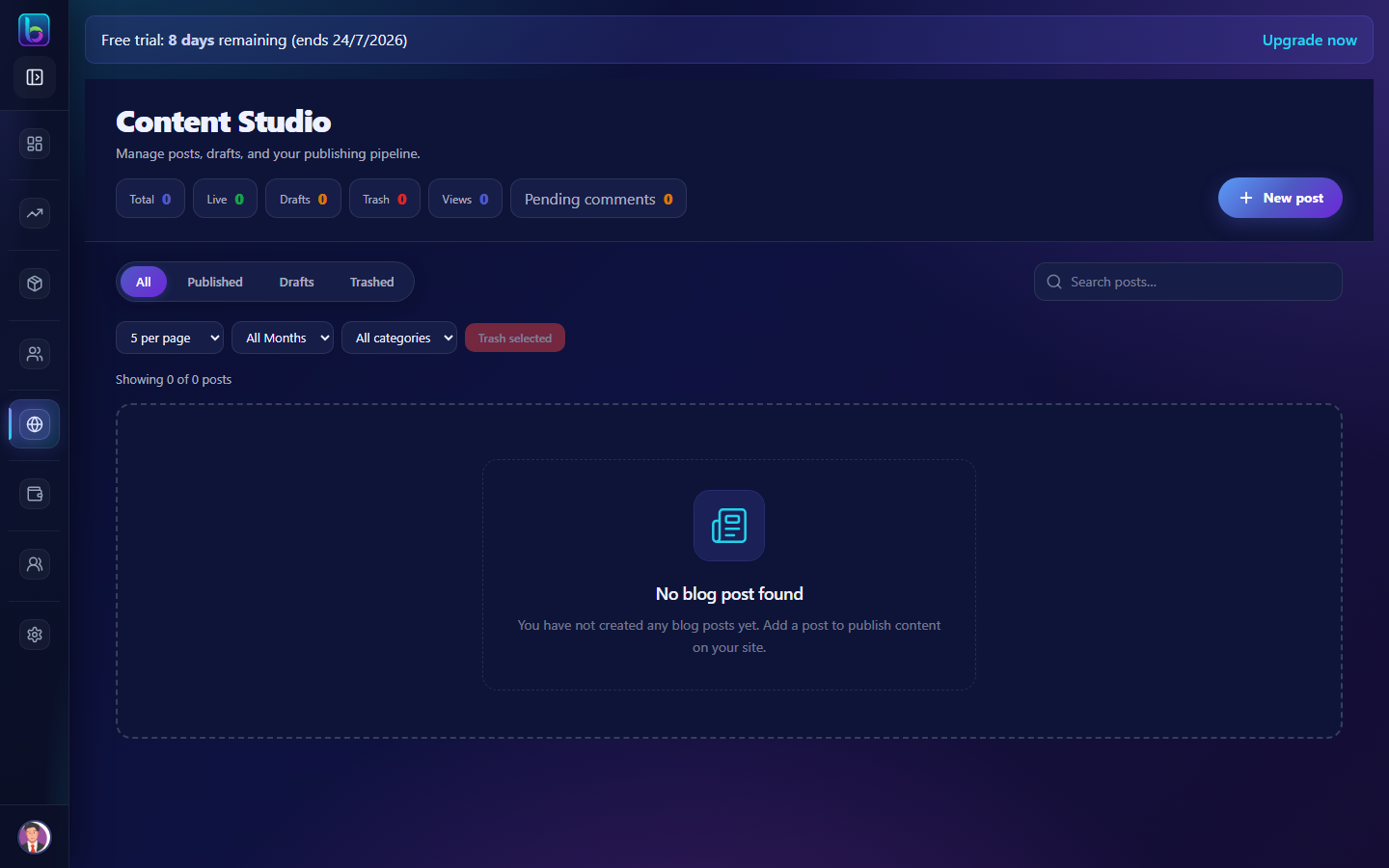 Content Studio — status tabs, search, and post rows
Opening the page
- Open Website / App → Blog → Posts.
- Or go to
/blog.
Page layout
| Area | What it does |
|---|---|
| Status tabs | All, Published, Drafts, Trash |
| Toolbar | Search, category filter, month filter |
| Post table | Title, author, category, status, actions |
| Add Blog | Opens the post editor |
Status tabs
| Tab | Shows |
|---|---|
| All | Every post except permanently deleted |
| Published | Live on storefront |
| Drafts | Unpublished work in progress |
| Trash | Soft-deleted — restore or delete permanently |
Row actions
| Action | Purpose |
|---|---|
| Edit | Open /add-blog editor for that post |
| Preview | View storefront rendering |
| Duplicate | Copy post as new draft |
| Trash / Restore | Move to trash or recover |
| Toggle publish | Quick publish/unpublish |
Bulk actions
Select posts to bulk trash, restore, or delete permanently from Trash tab.
Comments
Moderate reader comments on Blog → Comments (/comment) — approve, edit, or delete.
Guide: Comments
Before you publish
- Assign categories and tags in the editor.
- Fill SEO panel (meta title, description, OG image).
- Set cover image for social sharing.
Guide: Add Blog
Related guides
| Feature | Guide |
|---|---|
| Add Blog | Add Blog |
| Categories | Blog Categories |
| Authors | Authors |
| Setup storefront | Setup storefront |
Frequently asked questions
How do I publish a blog post in Beentara?
Create a post at /add-blog and click Publish, or change status from the Posts list.
Can I recover a deleted post?
Yes — open the Trash tab and Restore before permanent delete.