
Appearance
Subscription
View and upgrade your Beentara SaaS plan with Razorpay checkout.
In Beentara:
- Path: Settings → Subscription (
/saas/subscription) - Page title: Subscription
- Permission: Authenticated
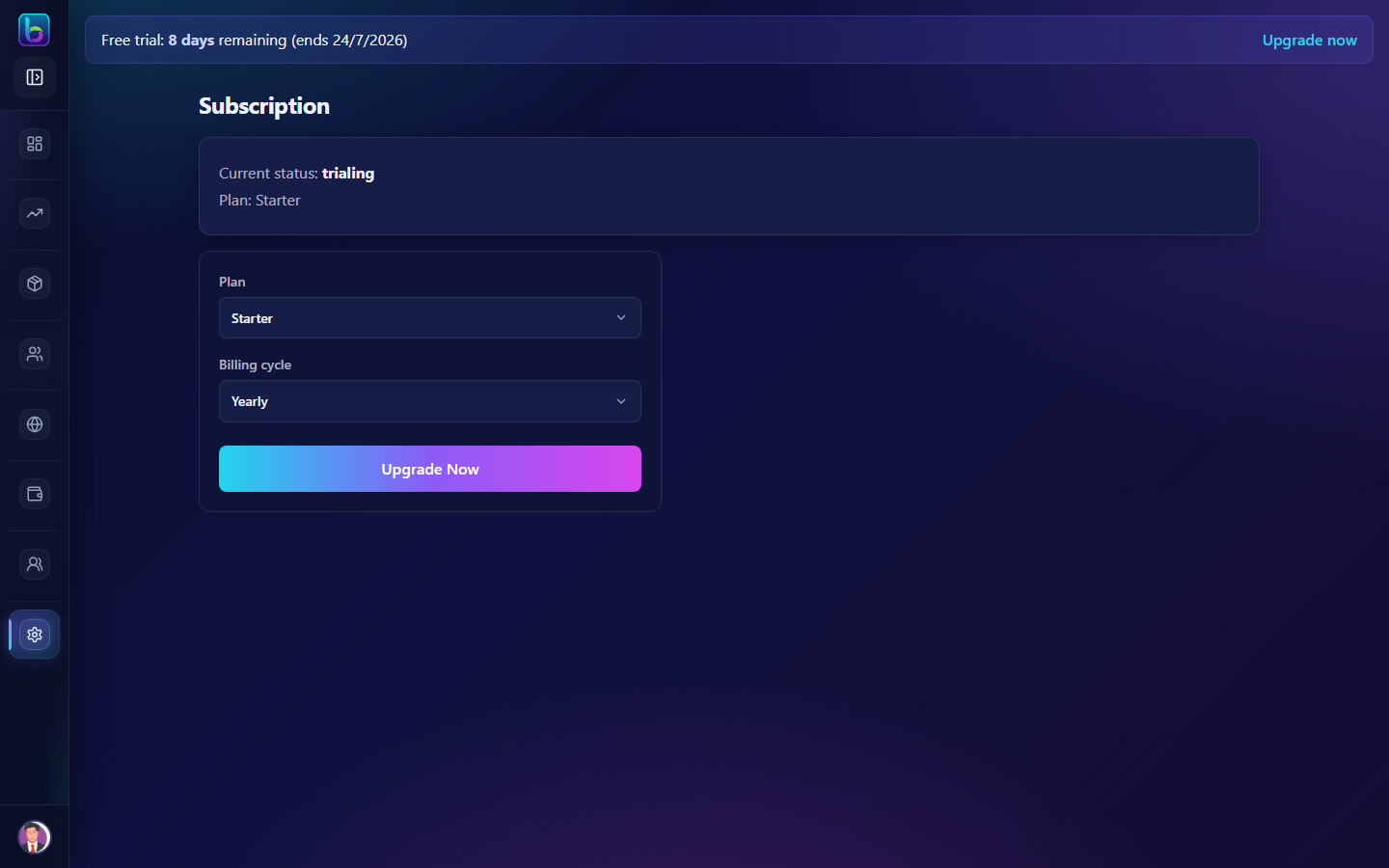 Subscription — /saas/subscription
Opening the page
- Open the sidebar: Settings → Subscription.
- Or go to
/saas/subscription.
You need Authenticated permission where applicable (admins always have access unless noted).
Key workflows
- View current plan and billing status
- Pick plan and billing cycle
- Complete Razorpay payment and verify
Related guides
- Trial Status —
/saas/trial - Settings —
/setting