
Appearance
Coupons
Create discount codes for your storefront checkout — percentage off, flat amount off, validity windows, and usage limits.
In Beentara:
- Path: Products → Coupons (
/coupon) - Permission:
products.read
Also enable coupons at checkout in Settings → Coupon & Coin Setting (/setting).
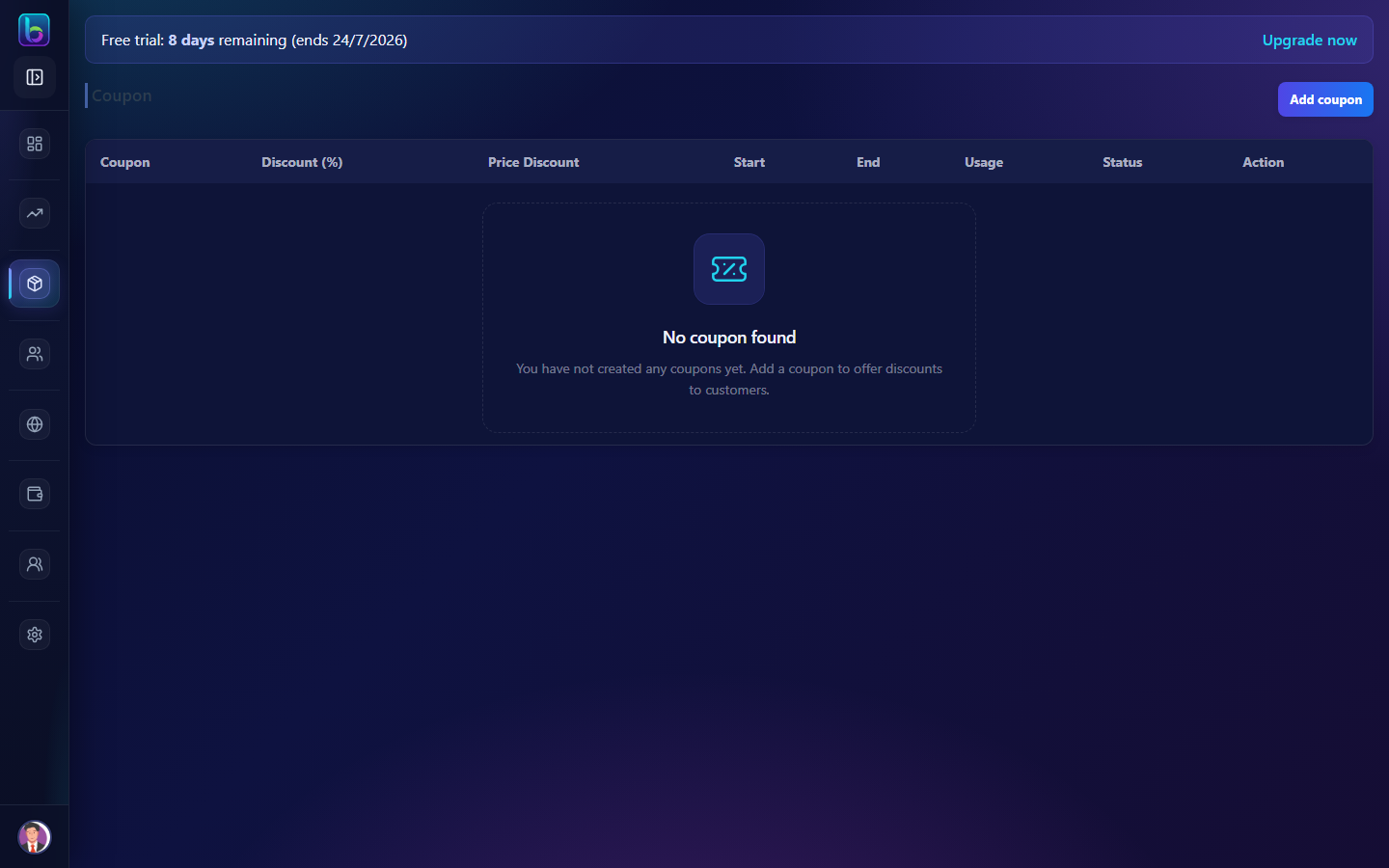 Coupons — list, add coupon, and status toggles
Opening the page
- Open Products → Coupons.
- Or go to
/coupon.
Page layout
| Area | What it does |
|---|---|
| Coupon list | Code, discount, dates, usage, status |
| Add coupon | Opens create form |
| Toggle status | Active/inactive without deleting |
| Show to user | Display on storefront coupon list |
Create a coupon
| Field | Notes |
|---|---|
| Coupon code | What customers enter at checkout |
| Discount type | Percentage OR flat amount — mutually exclusive |
| Valid from / to | Date range |
| Usage limit | Max redemptions (optional) |
| Minimum order | Optional threshold |
| Show to user | Visible on storefront promotions |
| Status | Active coupons can be applied |
Save — test on storefront checkout with an Active product.
Manage coupons
- Edit — change dates or discount (use carefully on live codes)
- Toggle Active — pause without deleting
- Delete — remove expired campaigns
Prerequisites
- Settings → Coupon & Coin Setting — enable coupon application.
- At least one Active product on storefront.
- Customer enters code at checkout.
Guide: Settings
Common mistakes
| Mistake | Fix |
|---|---|
| Code not working at checkout | Enable coupons in Settings; check dates and Active status |
| Both % and flat set | Choose one discount type only |
| Coupon not visible to customers | Enable Show to user |
Related guides
| Feature | Guide |
|---|---|
| Products | Products |
| Settings | Settings |
| Wallet | Wallet |
Frequently asked questions
Can I set both percentage and flat discount on one coupon?
No — percentage and flat price discount are mutually exclusive in the coupon form.
How do customers use Beentara coupons?
Customers enter the coupon code at checkout when coupon settings are enabled.