
Appearance
Variations
Variations (sidebar label) define product options like Size, Color, or Material. The page title may show Attribute — same feature.
Also known as: Attribute (page title) · route /features
In Beentara:
- Path: Products → Variations (
/features) - Configure values: Configure Terms →
/terms/:id - Permission:
products.read
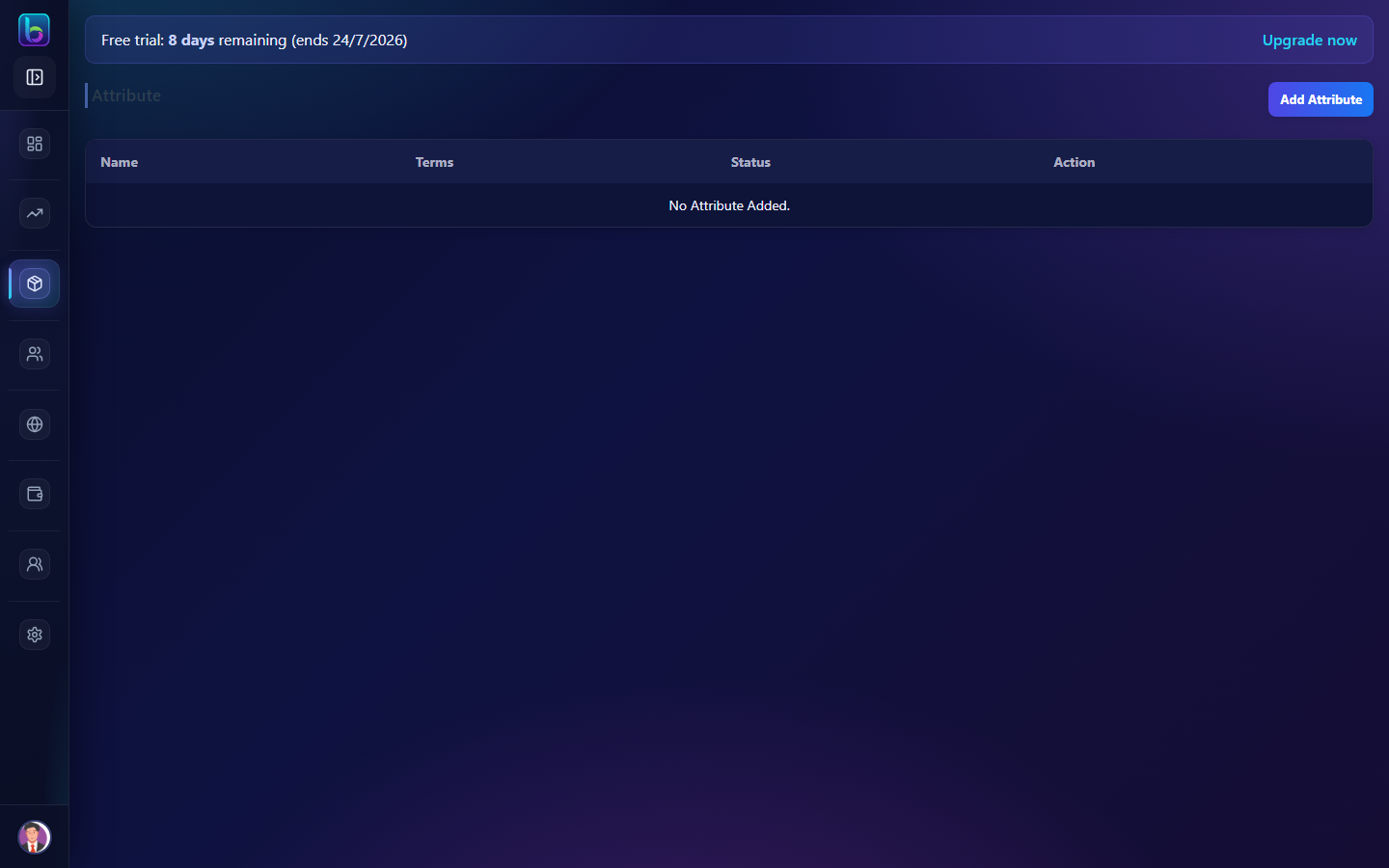 Variations / Attributes — list and Configure Terms
See Glossary for naming differences.
Opening the page
- Open Products → Variations.
- Or go to
/features.
Page layout
| Area | What it does |
|---|---|
| Attribute list | Name, status, actions |
| Add Attribute | Create new variation type |
| Configure Terms | Opens value list for that attribute |
| Status toggle | Active/inactive attributes |
Create an attribute
- Click Add Attribute.
- Enter name — e.g. Size, Color, Weight.
- Set Active status.
- Save.
Configure terms (/terms/:id)
Terms are the actual values customers pick:
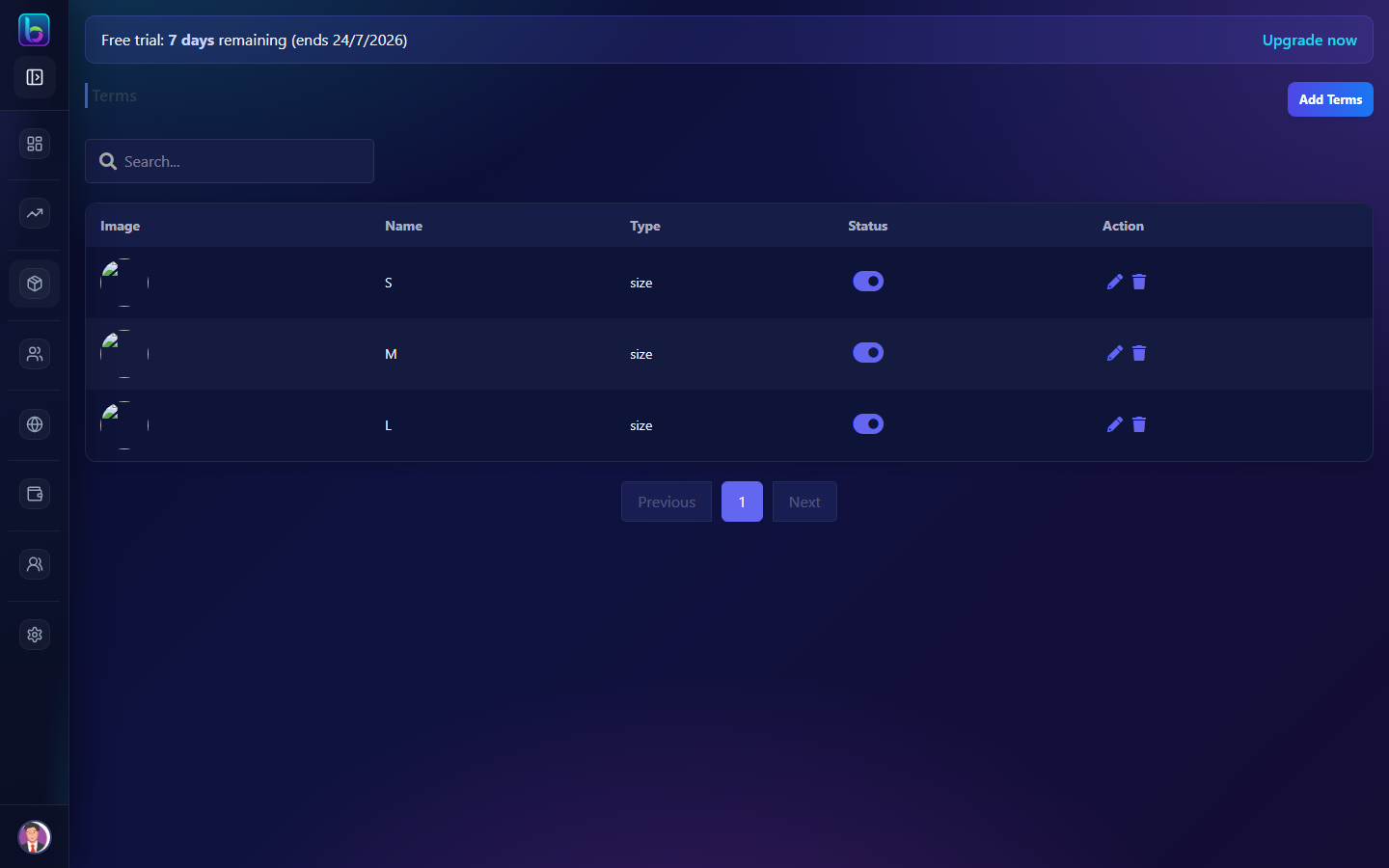 Configure Terms — values for an attribute (e.g. Size, Color)
| Attribute | Example terms |
|---|---|
| Size | S, M, L, XL |
| Color | Red, Blue, Green |
| Volume | 250ml, 500ml, 1L |
- Click Configure Terms on an attribute row.
- Add each value with optional slug/display order.
- Save terms before creating variable products.
Use in variable products
- Create attributes and terms first (this page).
- Go to Products → Add Products → Variable (
/variable-product). - Assign attributes — Beentara generates SKU combinations.
- Set price and stock per variation.
Guide: Products
Common mistakes
| Mistake | Fix |
|---|---|
| Variable product has no options | Configure terms at /terms/:id first |
| Wrong label in docs vs app | Sidebar says Variations; page may say Attribute |
| Inactive attribute missing on form | Toggle attribute to Active |
Related guides
| Feature | Guide |
|---|---|
| Products | Products |
| Categories | Categories |
| Glossary | Glossary |
Frequently asked questions
What are variations in Beentara?
Variations are attributes like Size or Color with terms (values) used on variable products.
Where do I add variation values?
On the Variations page, click Configure Terms on an attribute row.