
Appearance
Google Ads
Connect Google Ads lead webhooks to CRM.
In Beentara:
- Path: Settings → Google Ads (
/integrations) - Page title: Google Ads Integration
- Permission: settings.read
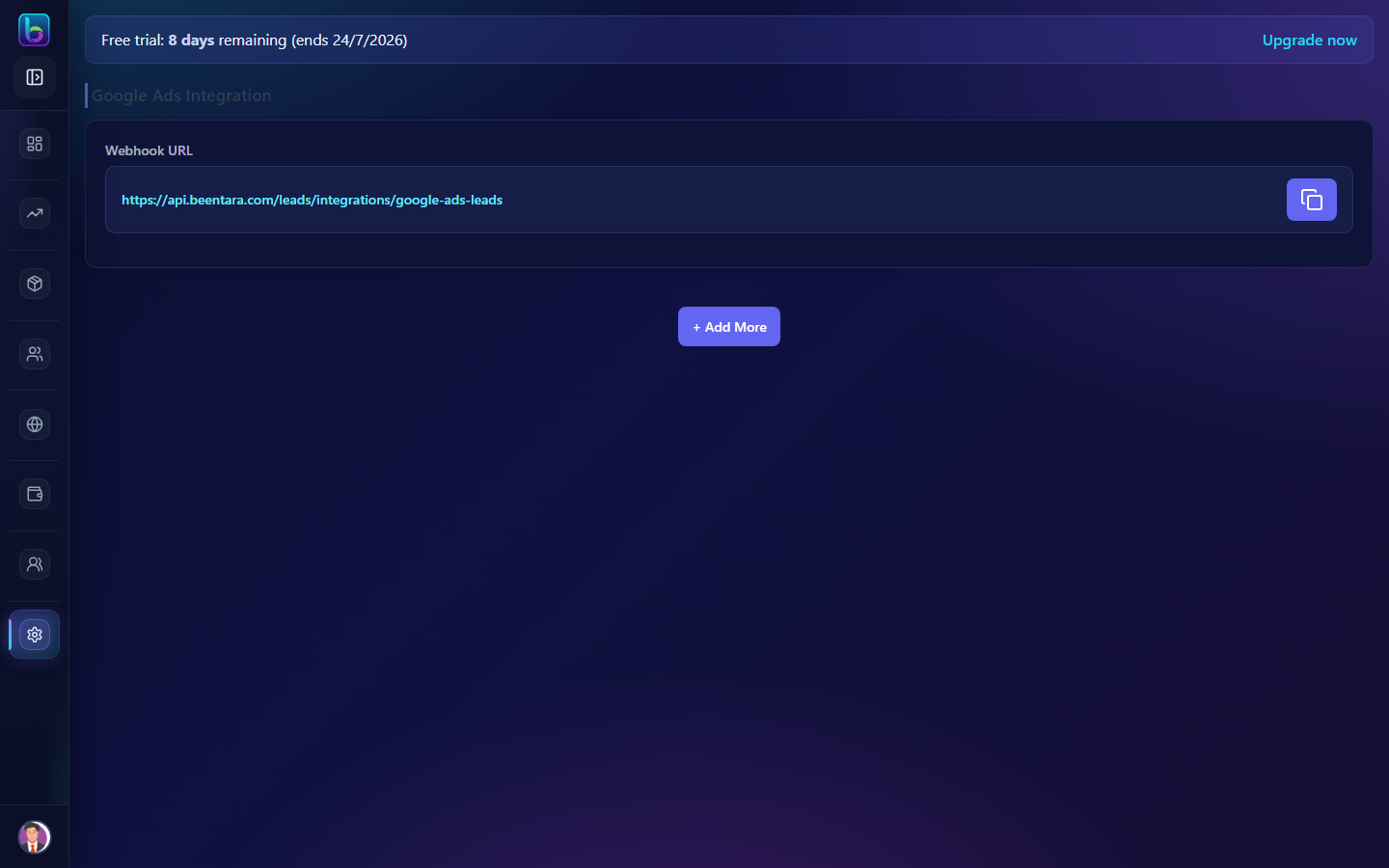 Google Ads Integration — /integrations
Opening the page
- Open the sidebar: Settings → Google Ads.
- Or go to
/integrations.
You need settings.read permission where applicable (admins always have access unless noted).
Key workflows
- Generate and copy webhook keys
- Configure webhook URL for Google Ads leads
- Add or remove integrations