
Appearance
Media Library
Central media library for images and files used across CMS, products, and blog.
In Beentara:
- Path: Website / App → Media Library (
/media) - Page title: Media Library
- Permission: website.read
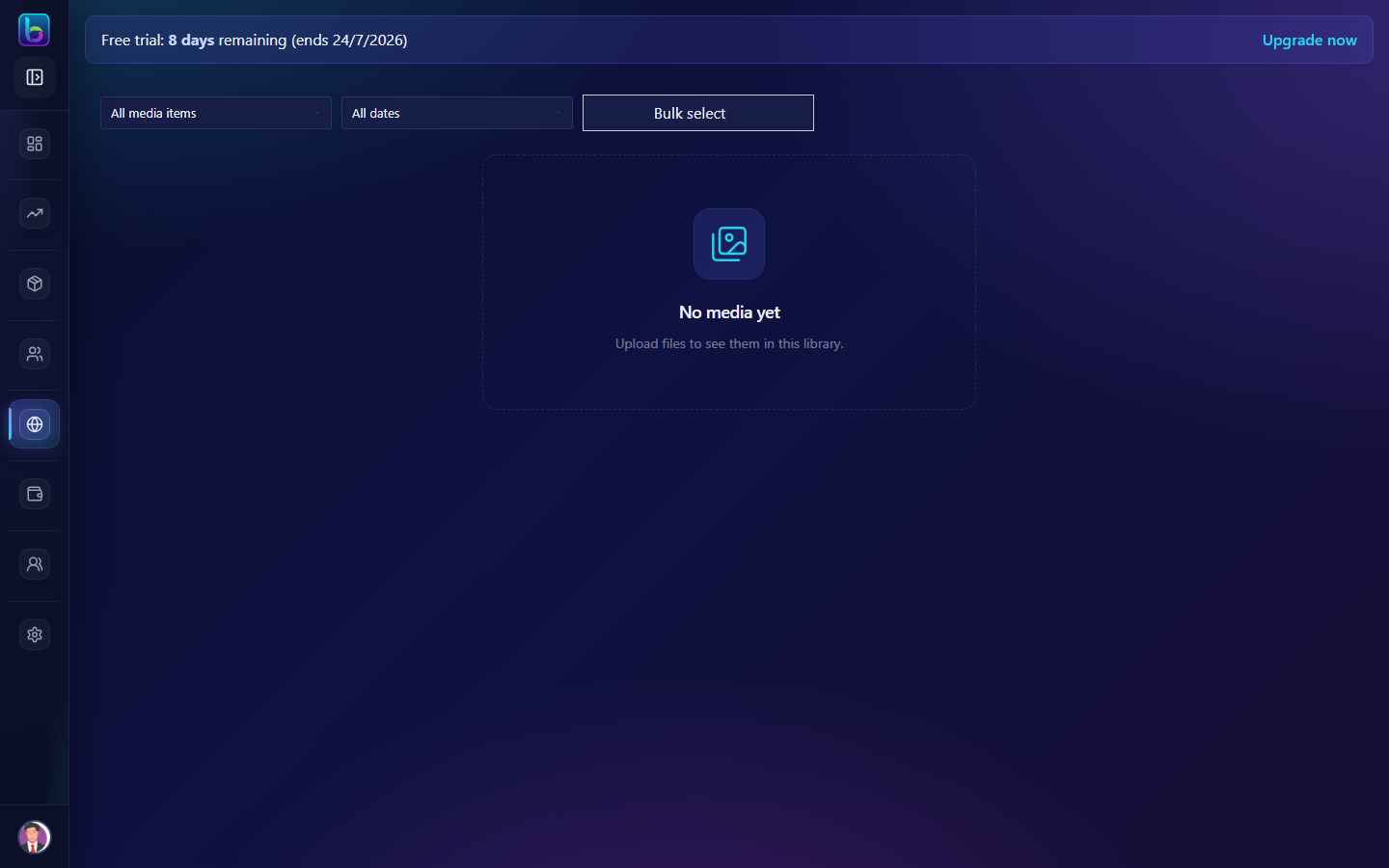 Media Library — /media
Opening the page
- Open the sidebar: Website / App → Media Library.
- Or go to
/media.
You need website.read permission where applicable (admins always have access unless noted).
Key workflows
- Browse and filter media by type and date
- Bulk select and delete files
- Edit attachment details: alt text, title, caption
Related guides
- Blog Posts —
/blog - Slider —
/slider - Brand Assets —
/brand