
Appearance
Team Attendance
Team Attendance is the admin view of staff check-in records — times, location, selfie, and bulk delete.
Staff vs admin
Staff mark their own attendance at /attendance (redirects to student attendance for Skates routes in some configs — staff use the Attendance shortcut on their home screen). Team Attendance (/team-attendance) is for managers and admins reviewing all employees.
In Beentara:
- Admin path: Team → Attendance (
/team-attendance) - Staff self check-in: Attendance shortcut on staff home
- Permission:
team.read
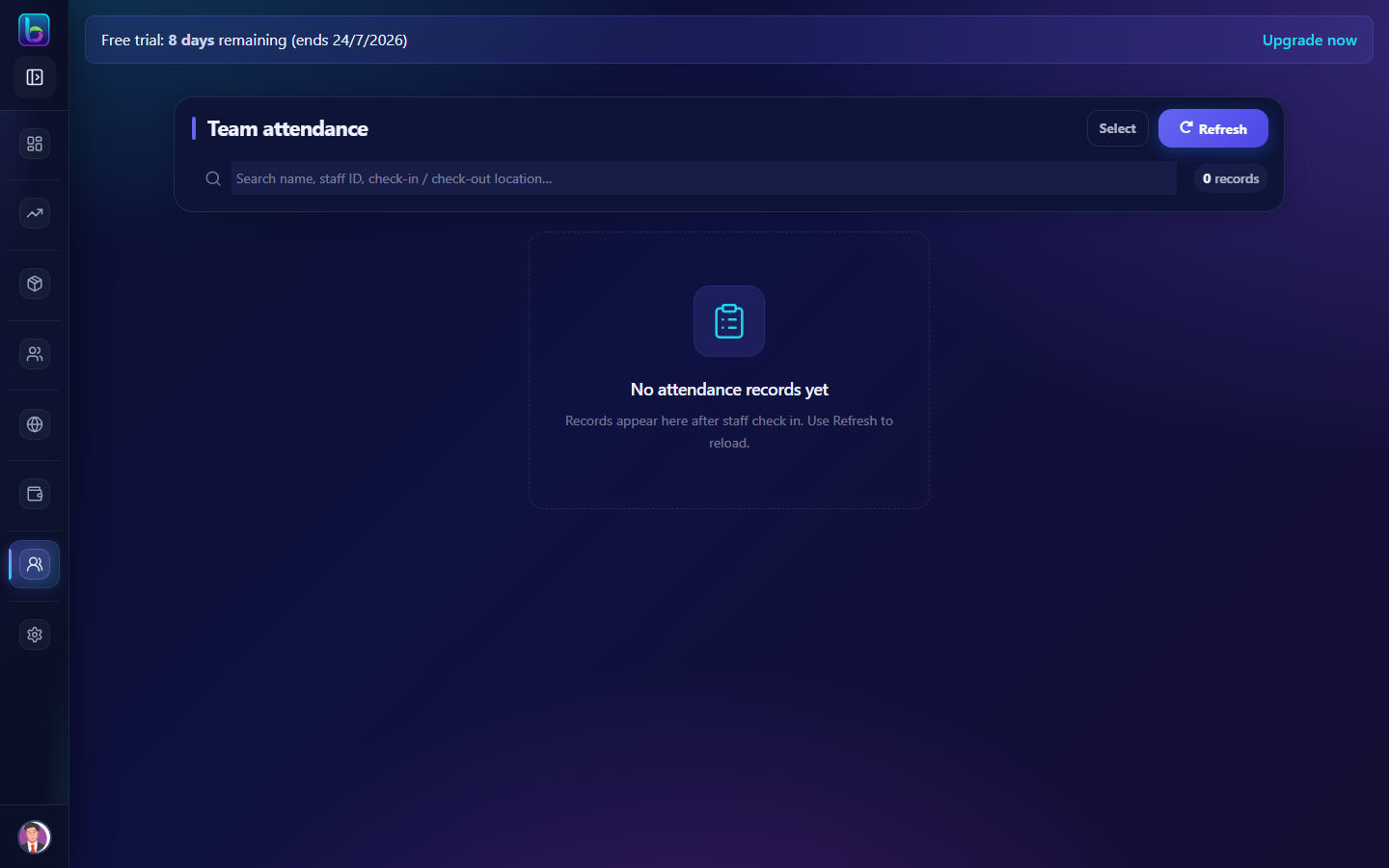 Team attendance — admin list of check-in records
Opening the page
- Open Team → Attendance (admin).
- Or go to
/team-attendance.
Page layout
| Area | What it does |
|---|---|
| Search | Find records by staff name or ID |
| Attendance cards | Check-in/out time, date, location, selfie thumbnail |
| Bulk delete | Remove erroneous records (admin) |
| Profile link | Open employee profile from a card |
What each record shows
| Field | Description |
|---|---|
| Check-in / Check-out | Date and time stamps |
| Location | GPS or location label if captured |
| Selfie | Photo captured at check-in (if enabled) |
| Staff name / ID | Employee identifier |
Admin workflows
- Daily review — scan missing check-ins for on-site teams.
- Search — find a specific employee's history.
- Delete — remove duplicate or test entries (bulk delete where available).
- Onboard staff — ensure new hires know how to use the staff Attendance shortcut.
Guide: Staff onboarding
Related guides
| Feature | Guide |
|---|---|
| Team Directory | Team Directory |
| New staff | Staff onboarding |
| Tasks | Tasks |
Frequently asked questions
Where do staff mark their own attendance?
Staff use the Attendance shortcut on their staff home — not the Team Attendance admin page.
Who can see Team Attendance?
Users with team.read — typically managers and business admins.
Can I export attendance?
Use team reporting from related HR modules where available, or contact support for export options.