
Appearance
Help & Support
Contact Beentara support or browse the user manual on docs.beentara.com.
In Beentara:
- Path: Profile menu → Help & Support (
/help-support) - Available to: All logged-in users
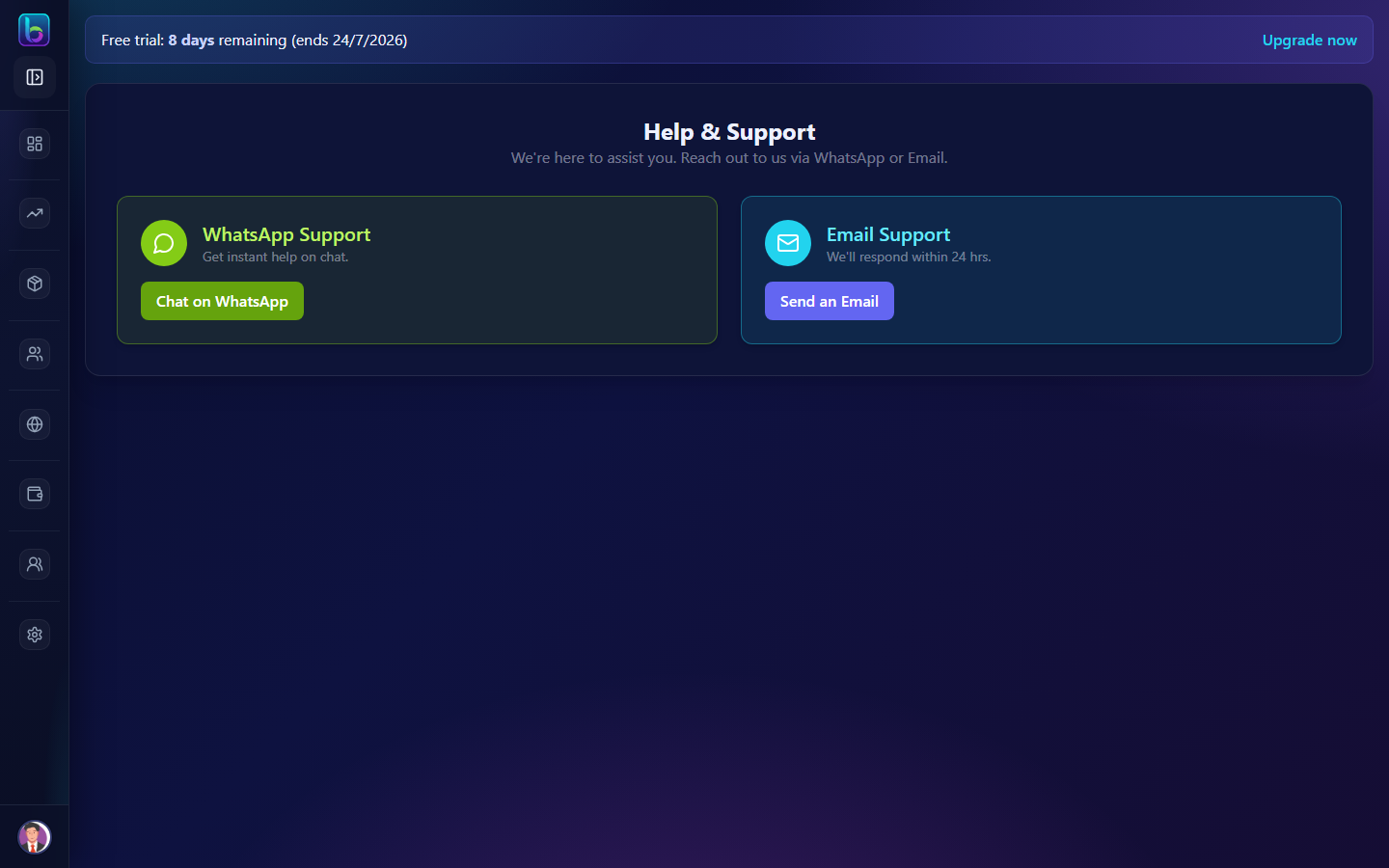 Help & Support — WhatsApp, email, and documentation links
Opening the page
- Click your profile menu (top-right avatar).
- Choose Help & Support.
- Or go to
/help-support.
User manual (docs)
Before contacting support, check these guides:
| Guide | When to use |
|---|---|
| Getting Started | New to Beentara — login, sidebar, permissions |
| Troubleshooting | Email not sending, Razorpay, permission errors |
| User Guide index | Full list of every feature guide |
Inside admin, click How to use on any feature page to open the matching doc in a new tab.
WhatsApp support
- On Help & Support, click Chat on WhatsApp.
- Describe your issue with the page name (e.g. Invoices, CRM) and steps to reproduce.
Best for urgent questions during business hours.
Email support
- Click Send an Email on the Help & Support page.
- Include your business name, account email, and screenshots if helpful.
Expect a response within 24 hours on business days.
What to include in a support request
| Detail | Why it helps |
|---|---|
Page URL (e.g. /invoice, /crm) | Support finds the right module quickly |
| Error message or toast text | Points to SMTP, Razorpay, permissions, etc. |
| User role (admin vs staff) | Staff issues are often permission-related |
| What you already tried | Avoids repeating Troubleshooting steps |
Related guides
| Topic | Guide |
|---|---|
| Settings (SMTP, Razorpay) | Settings |
| WhatsApp billing | WhatsApp (AiSensy) |
| Customer portal | Customer portal |
| Doc updates | What's new |
Frequently asked questions
How do I contact Beentara support?
Open /help-support in admin for WhatsApp and email contact options.
Is there a Beentara user manual?
Yes — docs.beentara.com with step-by-step guides for every admin feature. Start at Getting Started.
Can staff access Help & Support?
Yes — all logged-in users can open Help & Support and browse the public docs.