
Appearance
Menus
Build site navigation — custom links, pages, categories, mega menus, and analytics.
In Beentara:
- Path: Website / App → Menus (
/menus) - Page title: Menu Builder
- Permission: website.read
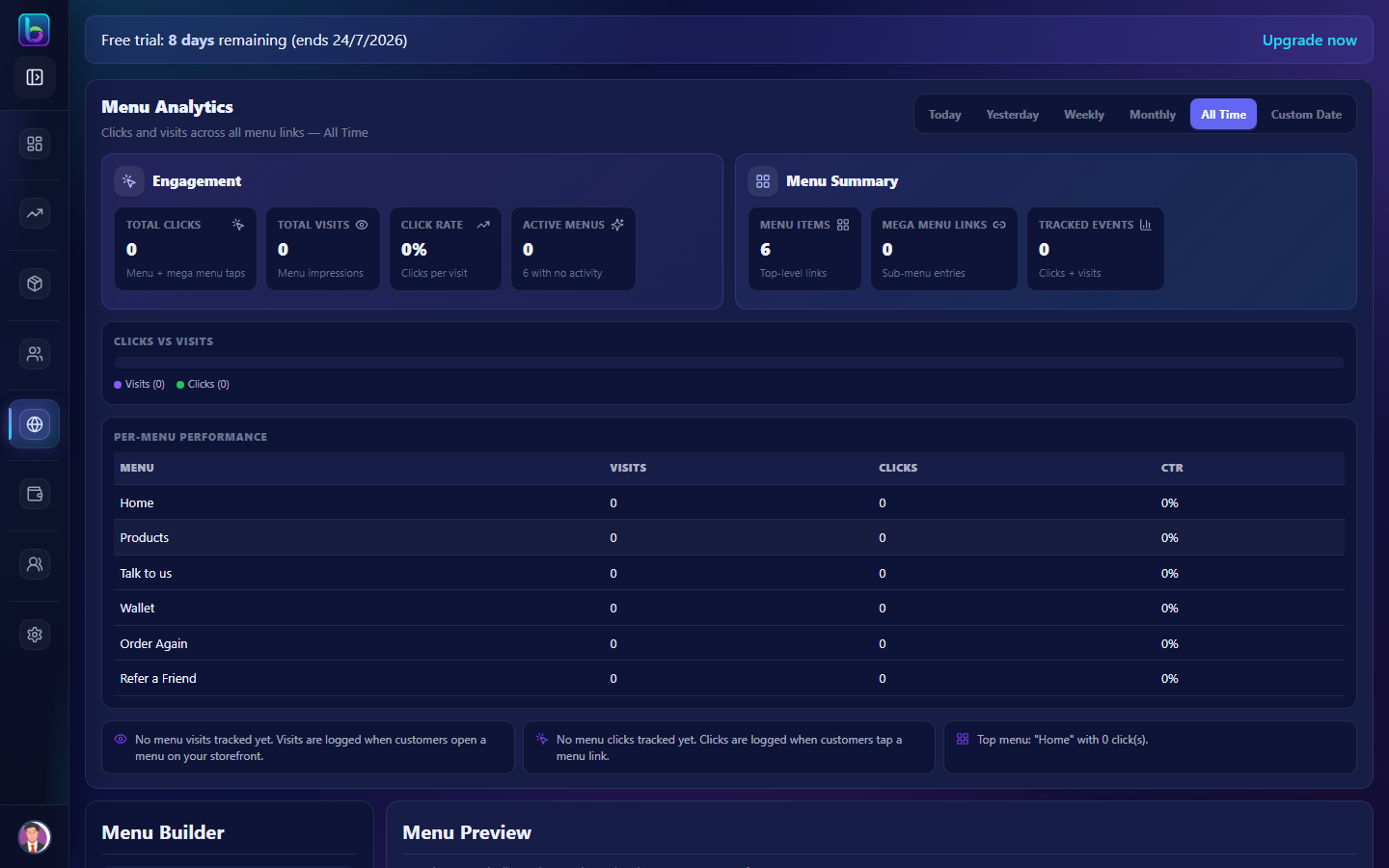 Menu Builder — /menus
Opening the page
- Open the sidebar: Website / App → Menus.
- Or go to
/menus.
You need website.read permission where applicable (admins always have access unless noted).
Key workflows
- Add menu items from custom links or catalog
- Drag reorder; edit labels and URLs inline
- Configure mega menu columns per item
- View menu analytics clicks and visits
Related guides
- Media Library —
/media - Blog Posts —
/blog - Footer Settings —
/footer-setting