
Appearance
Product Categories
Categories organize your product catalog. Assign categories when creating products so customers and staff can browse and filter by type.
In Beentara:
- Category list: Products → Categories (
/category) - Create / edit: Add category button → modal
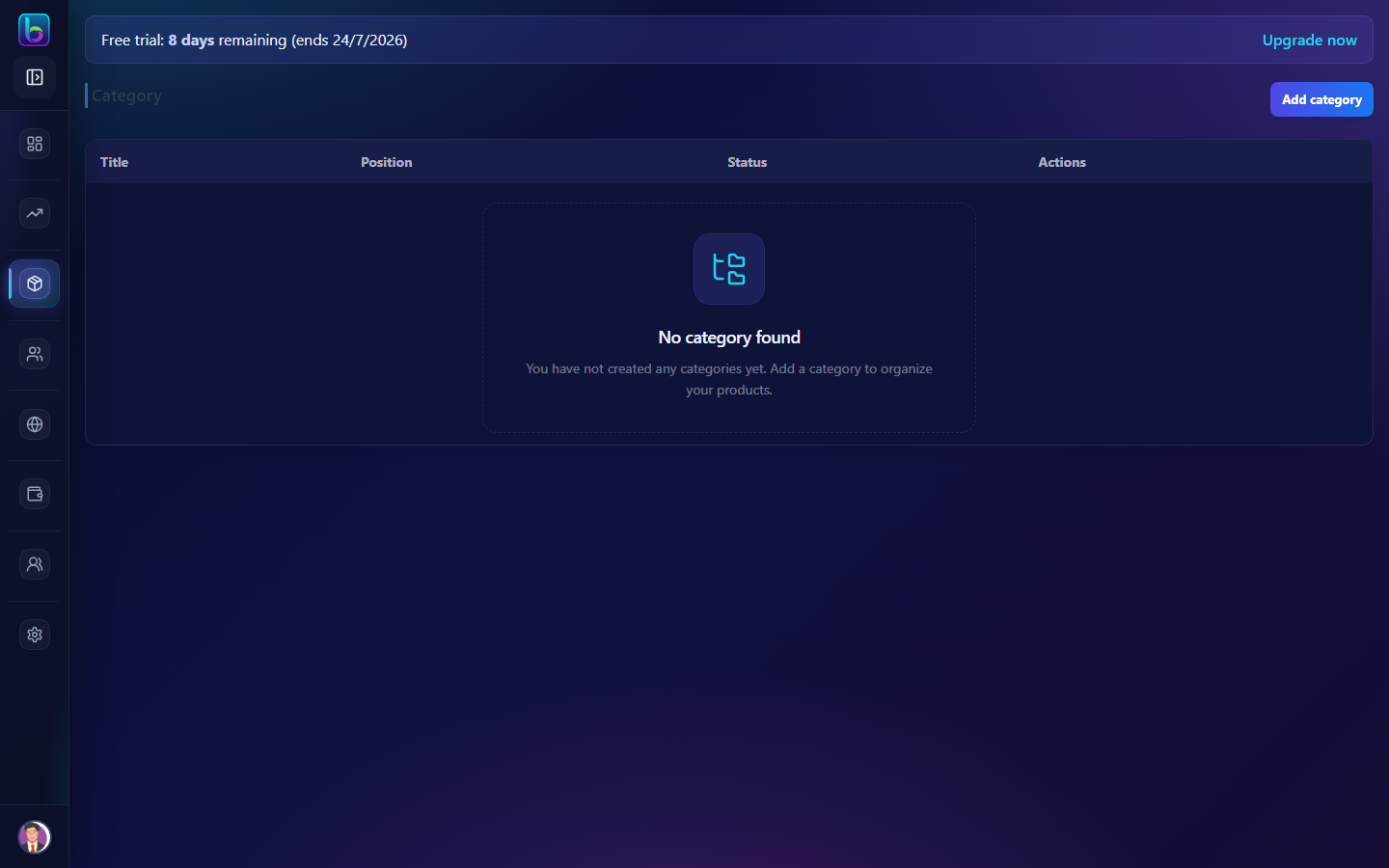 Category table with position, status, drag reorder, and Add category
Opening the Categories page
- Open the sidebar under Products → Categories.
- Or go to
/category.
You need products.read permission. The sidebar item is visible to Admin user type.
Page layout
| Area | What it does |
|---|---|
| Header | Page title and Add category button |
| Table (desktop) | Categories with drag-and-drop reorder |
| Cards (mobile) | Same data with edit, delete, and status toggle |
Table columns
| Column | Description |
|---|---|
| Title | Category name |
| Position | Display order (lower numbers appear first) |
| Status | Active or Inactive |
| Actions | Edit and Delete |
Create or edit a category
Click Add category or the edit (pencil) icon.
| Field | Notes |
|---|---|
| Category Name | Required |
| Position | Sort order on storefront and pickers |
| Parent Category | Optional — nest under another category, or None (Top-level) |
| Image | Icon/thumbnail from media library |
| Status | Active categories appear in product forms; inactive are hidden |
Save to add or update the category.
Reorder categories
On desktop, drag a row up or down to change display order. Beentara saves the new positions automatically.
Toggle status and delete
- Toggle — switch Active/Inactive without opening the modal
- Delete — confirm to remove (ensure no products depend on it)
Categories are used in Simple, Variable, and Grouped product forms, invoices, and dashboard widgets.
Related guides
| Feature | Guide |
|---|---|
| Products | How to use Products |
| Variations | How to use Variations |
| Catalog categories | How to use Catalog Categories |
Frequently asked questions
How do I reorder categories in Beentara?
Drag category rows up or down on the Categories page — order saves automatically.
What are parent categories?
Parent categories let you nest subcategories under a top-level group.