
Appearance
Staff Onboarding
 staff-onboarding guide
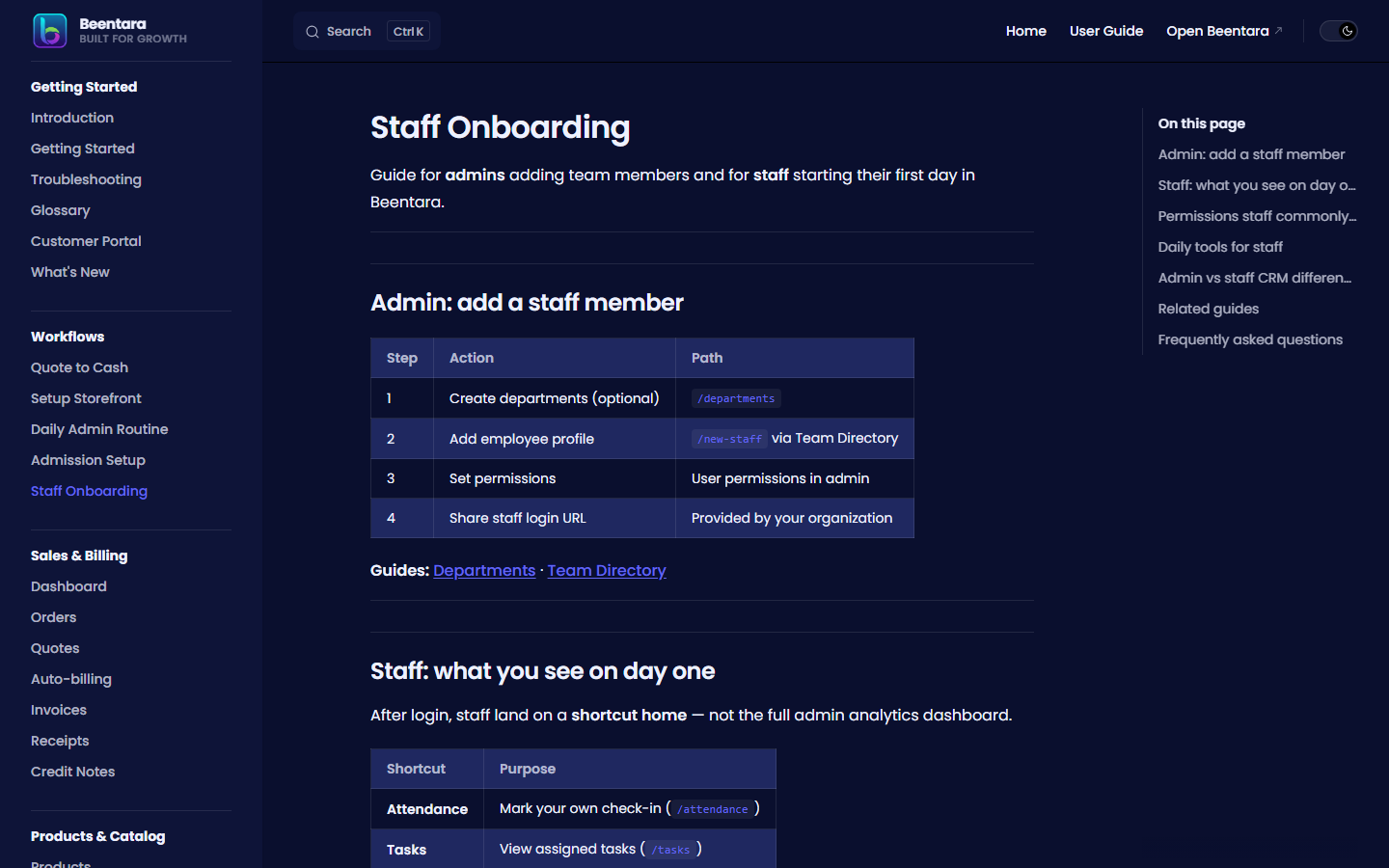
Guide for admins adding team members and for staff starting their first day in Beentara.
Admin: add a staff member
| Step | Action | Path |
|---|---|---|
| 1 | Create departments (optional) | /departments |
| 2 | Add employee profile | /new-staff via Team Directory |
| 3 | Set permissions | User permissions in admin |
| 4 | Share staff login URL | Provided by your organization |
Guides: Departments · Team Directory
Staff: what you see on day one
After login, staff land on a shortcut home — not the full admin analytics dashboard.
| Shortcut | Purpose |
|---|---|
| Attendance | Check in and check out for your shift (/attendance) |
| Tasks | View assigned tasks (/tasks) |
| CRM | Work assigned leads only (/crm) |
| Orders | Fulfill assigned orders (/orders) |
With billing permissions, staff may also see Sales items such as Quotes, Invoices, and Receipts (same paths as admin, e.g. /new-quote, /invoice, /receipt).
Guide: Dashboard — Staff view
Check-in and check-out (staff)
- Open Attendance from the staff home shortcut (or
/attendance). - Check in at the start of your shift — location/selfie may be captured if your admin enabled it.
- Check out when your shift ends so hours are complete.
Managers review everyone’s records under Team → Attendance (/team-attendance).
Guide: Team Attendance
Receiving payments (staff with billing access)
If your admin granted billing.read / billing.create:
| Task | Path | Guide |
|---|---|---|
| Record a customer payment | Invoices → open invoice → Record payment → Receipts | Receipts |
| Create a receipt directly | Sales → Receipts → Create Receipt | Receipts |
| Create or send a quote | Sales → Quotes → New quote (/new-quote) | Quotes |
| Create an invoice | Sales → Invoices → Create Invoice | Invoices |
Always record payment when cash, UPI, or bank transfer arrives so invoice Due amount stays correct.
Permissions staff commonly need
| Role | Typical permissions |
|---|---|
| Sales rep | crm.read, crm.create, customers.read |
| Billing clerk | billing.read, billing.create, customers.read |
| Warehouse | orders.read, products.read |
| Manager | Above + reports.read, team.read |
Missing menu items mean your admin has not granted that module — see Troubleshooting.
Daily tools for staff
- Attendance — check in at shift start, check out at end.
- Tasks — check Today and Overdue filters first thing.
- CRM — work Reminders tab; update lead status after each contact.
- Billing (if allowed) — publish invoices, resend quotes, record receipts when payments arrive.
- Team Attendance — admins only: review all staff at
/team-attendance.
Guides: Tasks · CRM · Team Attendance · Quote to cash
Admin vs staff CRM difference
| Admin | Staff | |
|---|---|---|
| Lead list | All company leads | Assigned leads only |
| Bulk assign | Yes | Limited |
| Pipeline board | Full pipeline | Assigned leads |
Related guides
- Getting Started — Admin vs Staff
- Daily admin routine
- Customer portal — what customers see after you send quotes/invoices
- User Records — manage admin users
Frequently asked questions
Where do staff log in?
Staff use the staff portal login URL your admin provides — separate from the owner admin login in some setups.
Why can't my staff see Invoices?
Grant billing.read (and billing.create if they should create invoices or record receipts) in user permissions.
How do I assign CRM leads to staff?
On the CRM page, select leads → Assign → choose staff members.
Can staff download quote PDFs for customers?
Yes, with billing access — same as admin. Customers can also download from the customer portal after you publish the quote.