
Appearance
Second promo
The second homepage banner. Same idea as the promo banner.
In Beentara:
- Path: Website / App → Homepage → Edit banner on Second promo (
/calltoactionsecond) - Page title: Second promo
- Permission: Authenticated
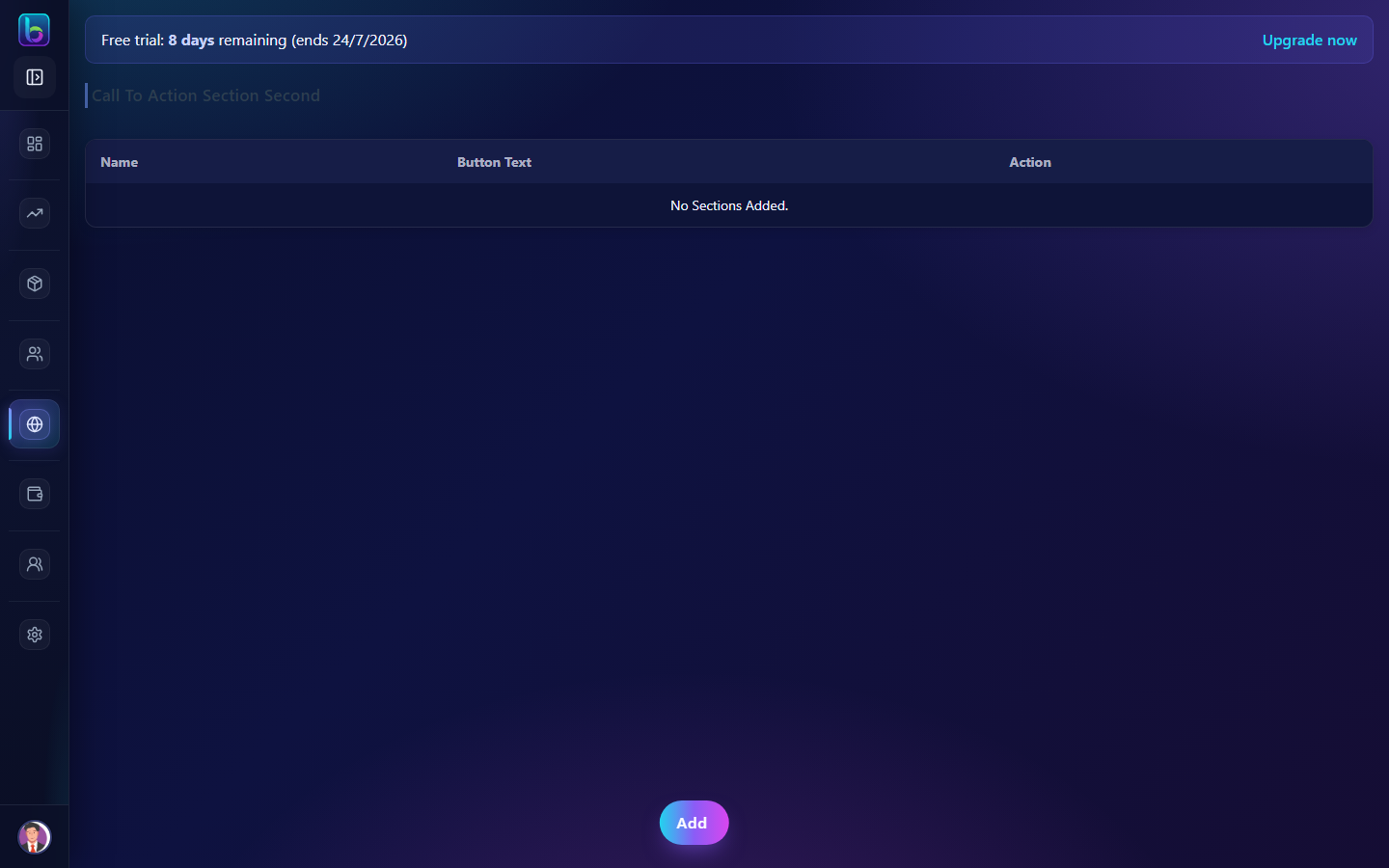 Call To Action Section Second — /calltoactionsecond
Opening the page
- Open Website / App → Homepage, then Edit banner on Second promo.
- Or go to
/calltoactionsecond.
You need Authenticated permission where applicable (admins always have access unless noted).
Key workflows
- Create and edit CTA blocks with benefits and links
- Reorder sections via drag and drop
- Delete outdated CTAs
Related guides
- CTA 1 —
/calltoactionfirst