
Appearance
Jobs
Create and manage job postings that appear on the careers page.
In Beentara:
- Path: Website / App → Pages → Jobs (
/jobs) - Page title: Jobs
- Permission: Admin only
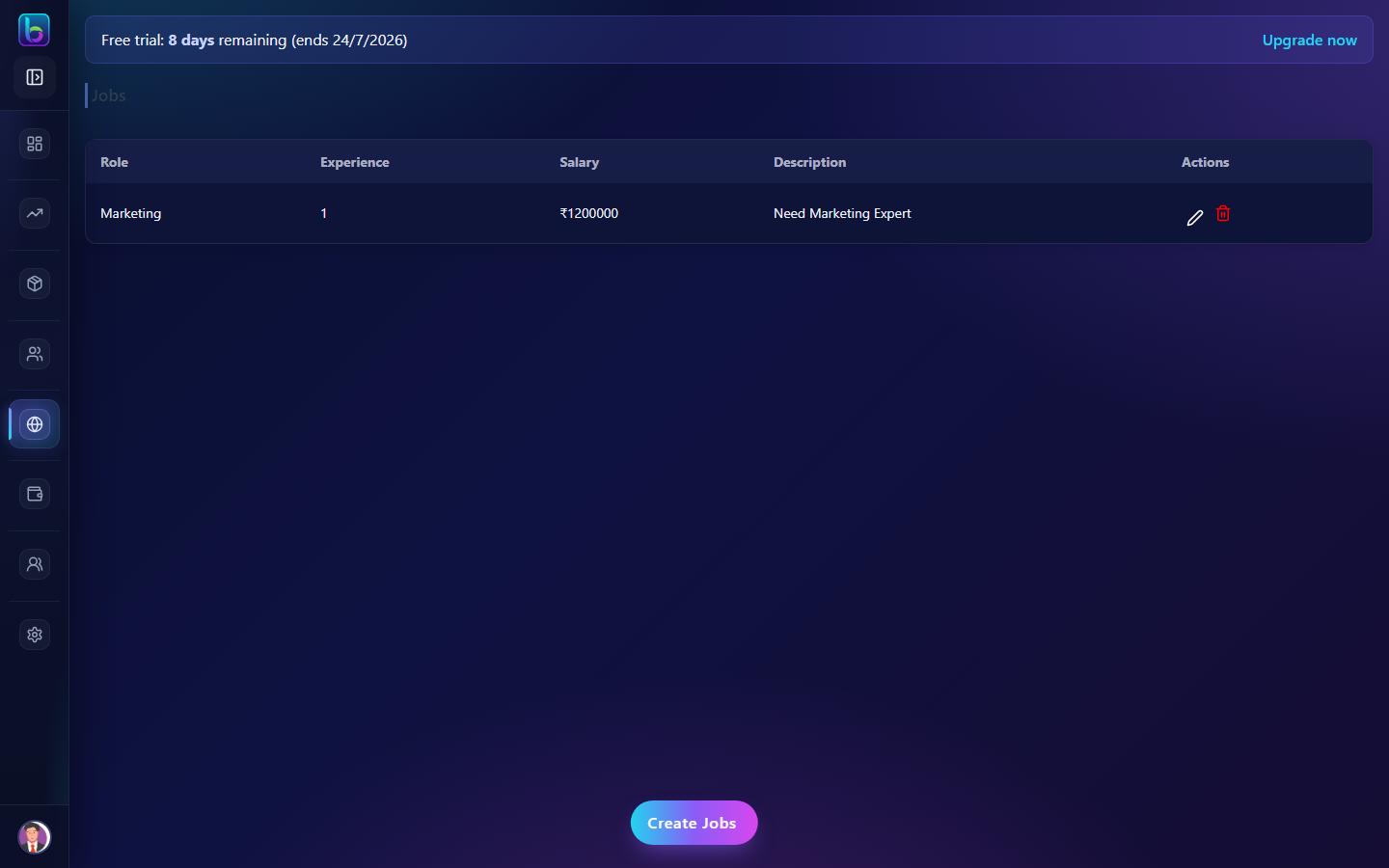 Jobs — /jobs
Opening the page
- Open the sidebar: Website / App → Pages → Jobs.
- Or go to
/jobs.
You need Admin only permission where applicable (admins always have access unless noted).
Key workflows
- Create job with role, experience, salary, and description
- Edit or delete existing job postings
- Use ?openJob=true to open create form via deep link
Related guides
- Careers —
/career