
Appearance
CTA 1
First homepage call-to-action block with title, button, benefits, and links.
In Beentara:
- Path: Website / App → CTA 1 (
/calltoactionfirst) - Page title: Call To Action Section First
- Permission: Authenticated
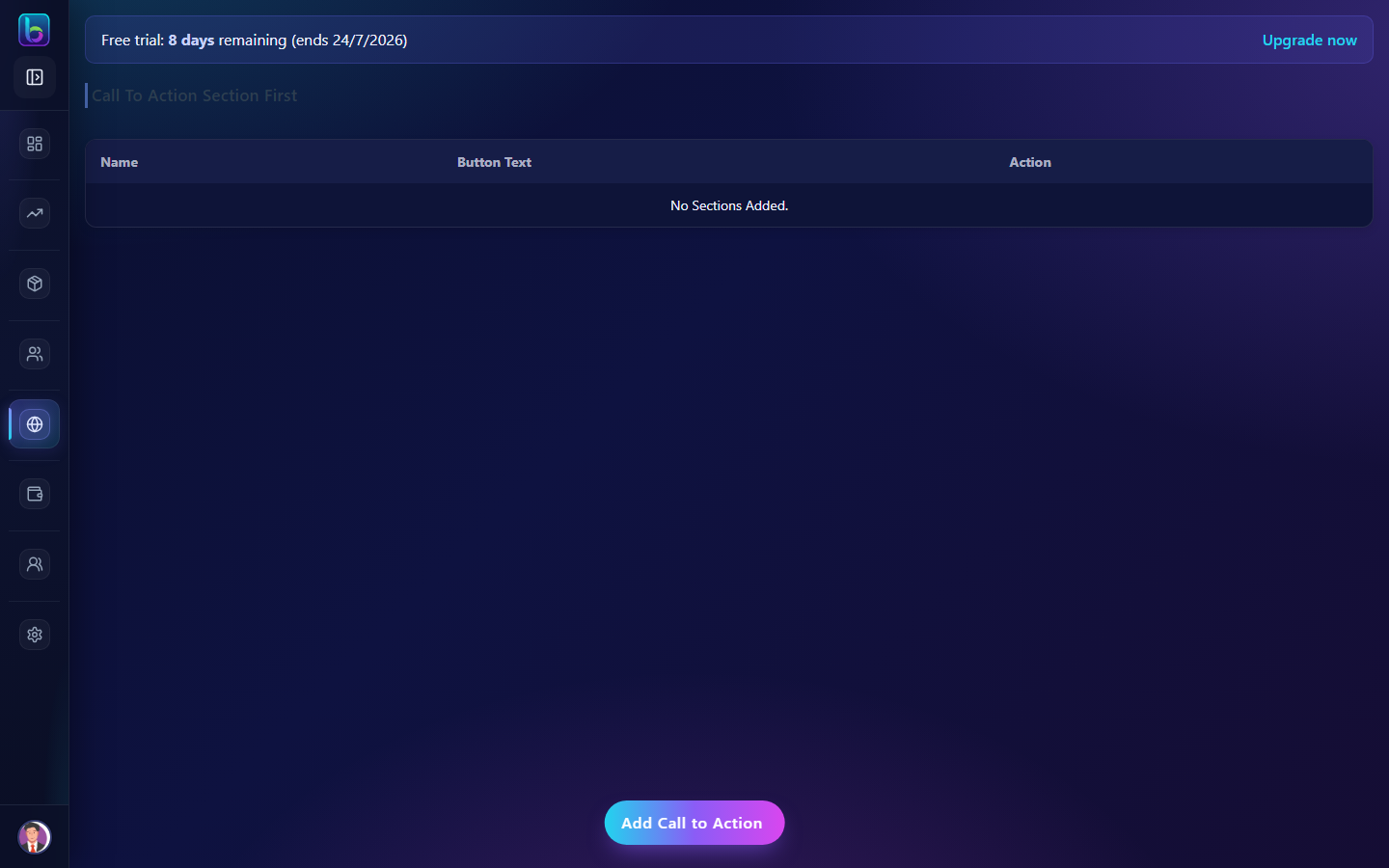 Call To Action Section First — /calltoactionfirst
Opening the page
- Open the sidebar: Website / App → CTA 1.
- Or go to
/calltoactionfirst.
You need Authenticated permission where applicable (admins always have access unless noted).
Key workflows
- Add CTA with section title and button text
- Add benefit icons and additional links
- Drag reorder; edit or delete blocks