
Appearance
Credit Notes
Credit notes reduce what a customer owes on an invoice. You issue them from an invoice that still has a remaining balance; Beentara creates a credit note document and lowers the invoice pending amount.
In Beentara:
- Credit note list: Sales → Credit Notes (
/credit-notes) - Issue credit note: Open invoice detail → Issue credit note
- View credit note: View on a row →
/invoice-detail/:id
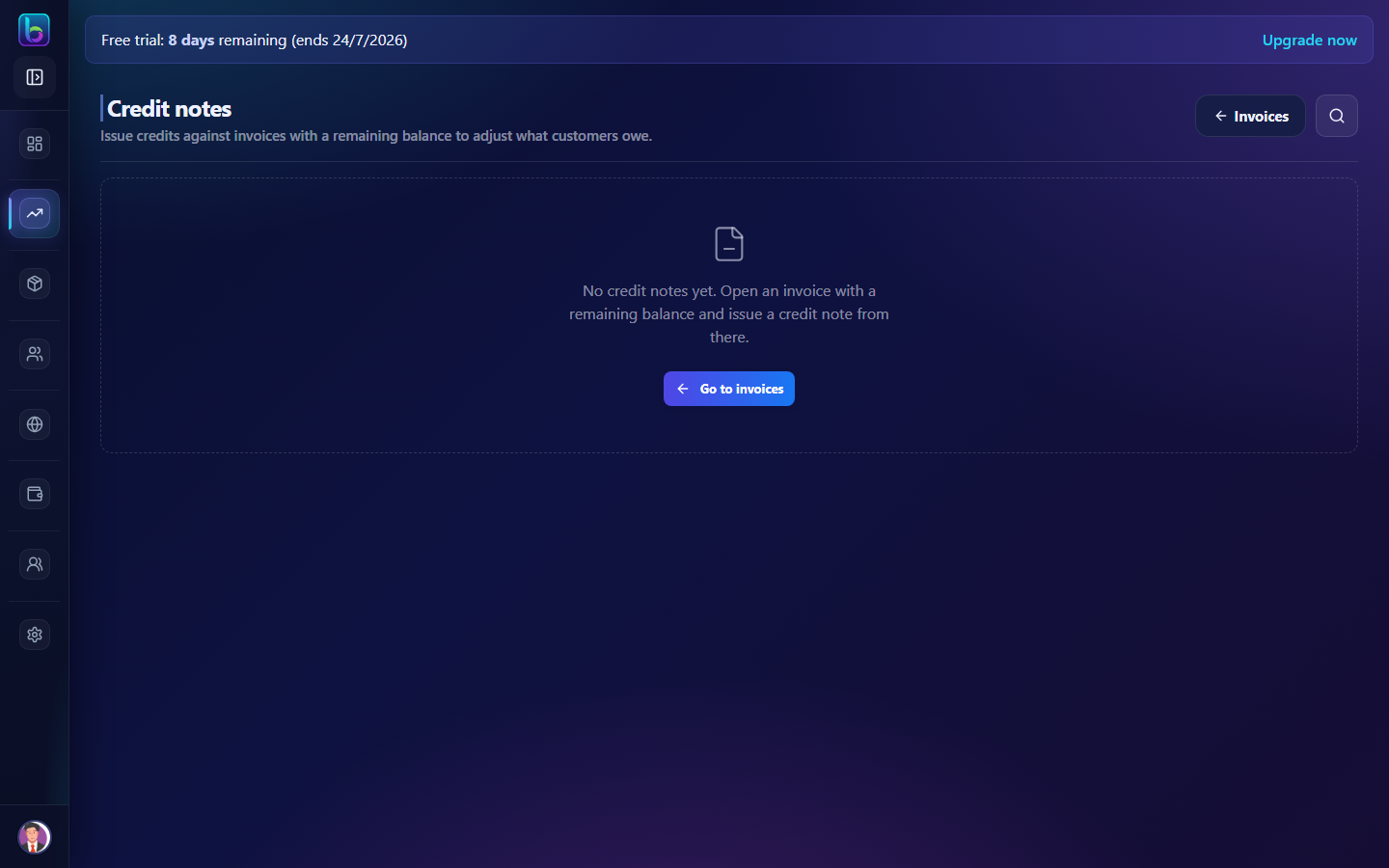
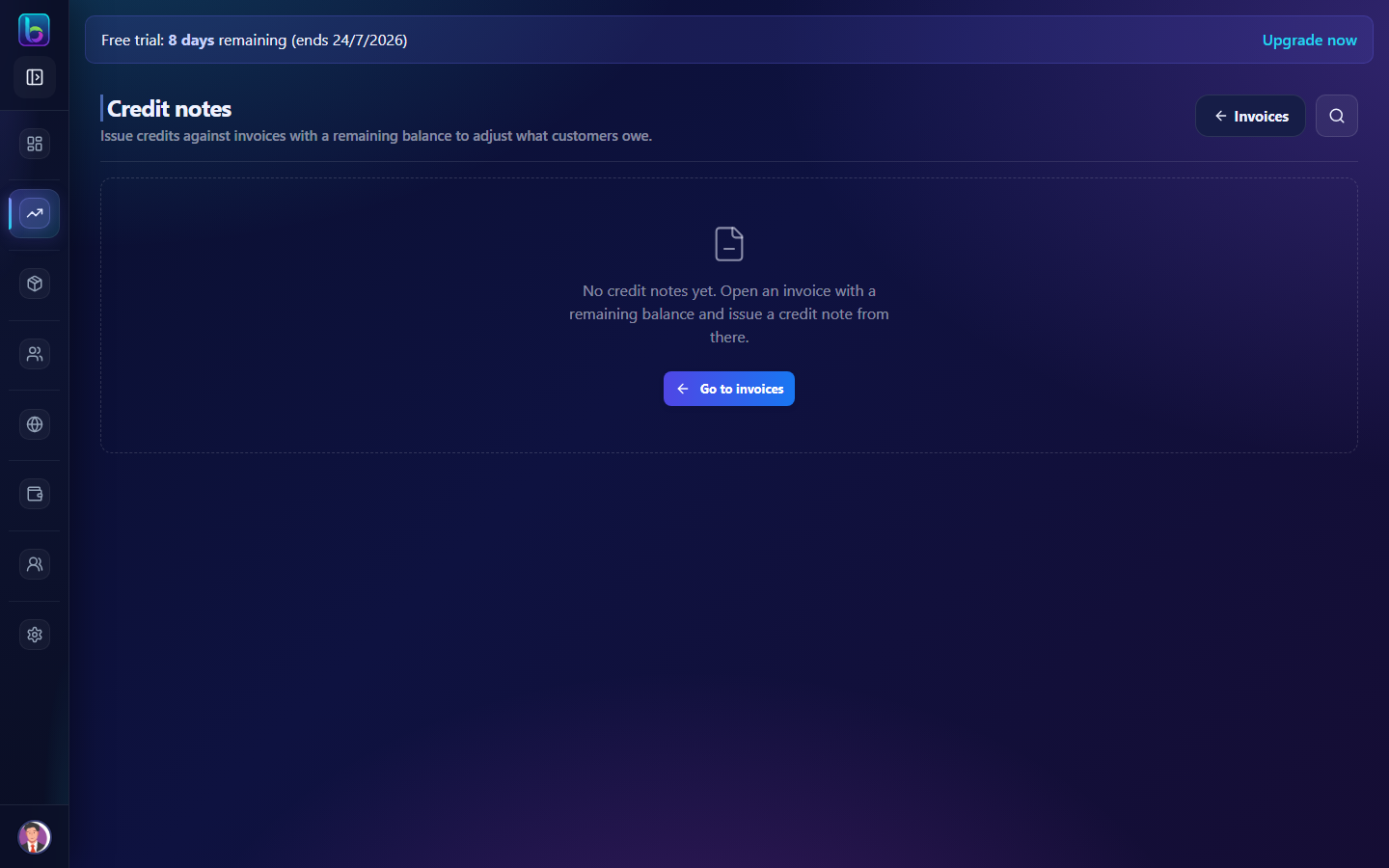 Credit note table with summary metrics, search, and link back to Invoices
Opening the Credit Notes page
- Open the sidebar under Sales → Credit Notes.
- Or go to
/credit-notes. - You can also reach it from Invoices → overflow menu → Credit Notes.
You need billing.read permission (admins always have access).
Page layout
| Area | What it does |
|---|---|
| Header | Title, Invoices back link, search |
| Summary | Total credit notes count and total credited amount |
| Table | All issued credit notes with customer, date, amount, and related invoice |
| Empty state | Directs you to invoices to issue your first credit note |
There is no Create button on this page — credits are always issued from an invoice with remaining balance.
Table columns
| Column | Description |
|---|---|
| Credit note # | Credit note document number |
| Customer | Customer name |
| Date | Issue date |
| Amount | Credited amount |
| Related invoice | Original invoice — click View invoice to open it |
| Actions | View — opens credit note detail |
Use Search to filter by credit note number or customer name.
Issue a credit note
Credit notes are created from invoice detail, not from the list page.
- Go to Sales → Invoices and open an invoice with a remaining balance.
- On invoice detail, click Issue credit note.
- In the modal, enter:
- Credit amount — cannot exceed invoice pending balance
- Reason / description — why the credit was issued
- Email credit note PDF — on by default when SMTP is configured
- Send WhatsApp — optional
- Save — Beentara creates the credit note and updates the invoice balance.
 Credit amount, reason, and delivery options on invoice detail
View and manage a credit note
Open View from the list or from the Issued credit notes section on the related invoice detail.
| Action | Notes |
|---|---|
| Download PDF | Save or print the credit note |
| View related invoice | Jump to the original invoice |
| Delete | Removes the credit note and restores invoice balance |
Credit notes cannot be edited after issue — delete and re-issue if you need to change the amount.
Related billing features
| Feature | Guide | Path |
|---|---|---|
| Invoices | Invoices guide | /invoice — issue credits from invoice detail |
| Receipts | Receipts guide | /receipt — record payments |
| Quotes | Quotes guide | /quotes |
Related guides
| Feature | Guide |
|---|---|
| Invoices | How to use Invoices |
| Receipts | How to use Receipts |
| WhatsApp billing | WhatsApp (AiSensy) |
| Dashboard | How to use the Dashboard |