
Appearance
Admission Setup (Skates)
 admission-setup guide
Skates businesses only
The Students sidebar section appears only for Skates category accounts. Other business types can skip this guide.
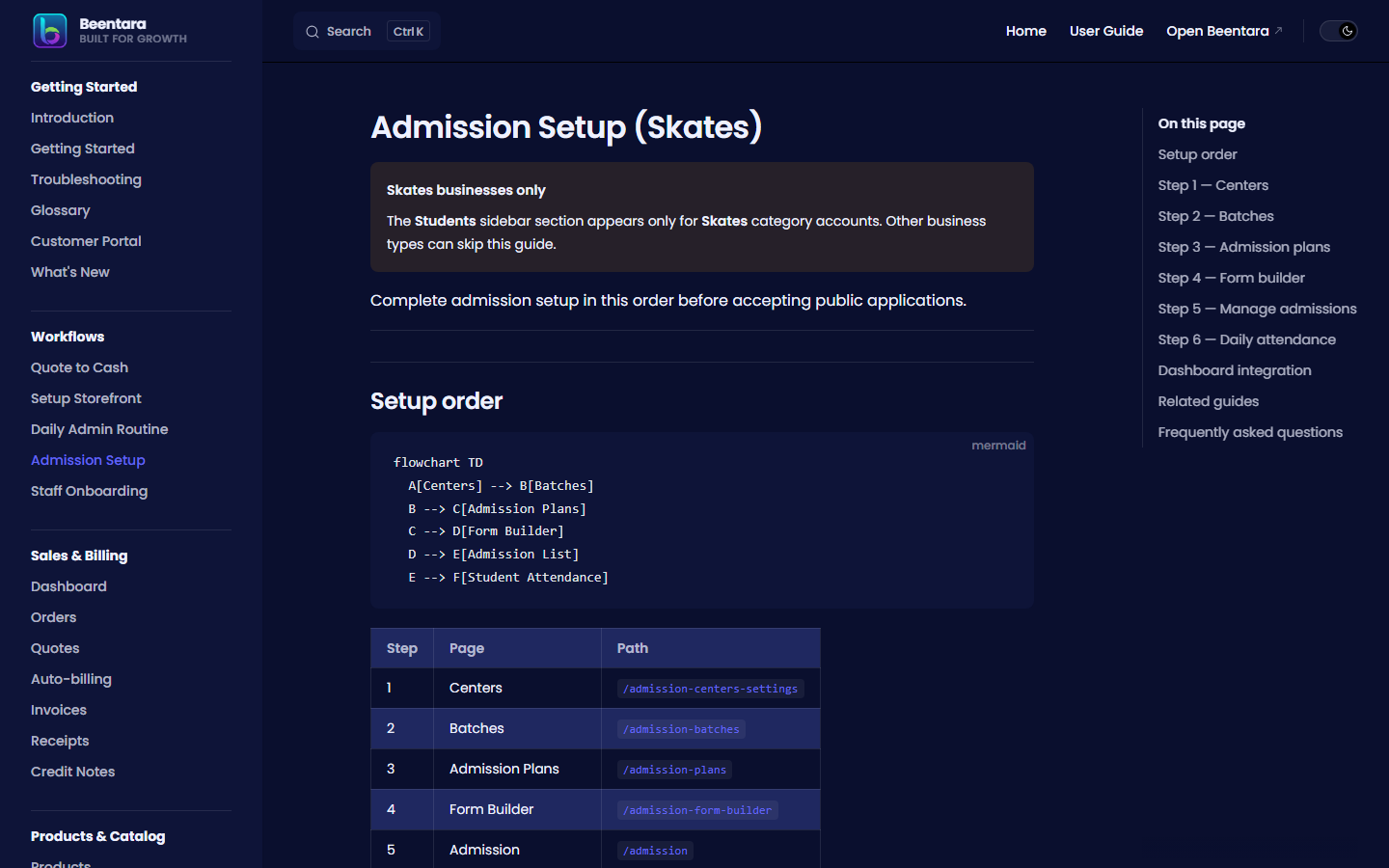
Complete admission setup in this order before accepting public applications.
Setup order
mermaid
flowchart TD
  A[Centers] --> B[Batches]
  B --> C[Admission Plans]
  C --> D[Form Builder]
  D --> E[Admission List]
E --> F[Student Attendance]| Step | Page | Path |
|---|---|---|
| 1 | Centers | /admission-centers-settings |
| 2 | Batches | /admission-batches |
| 3 | Admission Plans | /admission-plans |
| 4 | Form Builder | /admission-form-builder |
| 5 | Admission | /admission |
| 6 | Student Attendance | /student-attendance |
Step 1 — Centers
- Students → Centers (
/admission-centers-settings). - Add center names used on the public form and pricing plans.
- Save the center list.
Guide: Centers
Step 2 — Batches
- Students → Batches (
/admission-batches). - Create batches with schedule, center, teacher, and capacity.
- Use
/admission-batches/newfor the full create form.
Guide: Batches
Step 3 — Admission plans
- Students → Admission Plans (
/admission-plans). - Set fees, features, linked center and batch, and visibility.
- Plans appear on the public admission form.
Guide: Admission Plans
Step 4 — Form builder
- Students → Form Builder (
/admission-form-builder). - Add sections and fields (text, dropdown, file upload, etc.).
- Set required fields and conditional visibility.
- Save — this is the public-facing admission form.
Guide: Form Builder
Step 5 — Manage admissions
- Students → Admission (
/admission). - Filter by status, search, import/export.
- Open admission detail to review full submissions.
- Change status as students progress.
Guide: Admission
Step 6 — Daily attendance
- Students → Attendance (
/student-attendance). - Select batch and date.
- Mark Present, Absent, or Late.
- Export Excel/PDF from the History tab.
Guide: Student Attendance
Dashboard integration
Skates accounts see a Skates Academy block on the admin dashboard with admission and attendance summaries.
Guide: Dashboard
Related guides
Frequently asked questions
Why don't I see the Students menu?
Your account must be the Skates business category with students.read permission.
Where does the public form live?
Configure it in Form Builder — share the public URL your academy uses for online admission.
Can I import existing students?
Use Import from the Admission page overflow menu where available.