
User Guide
 index guide
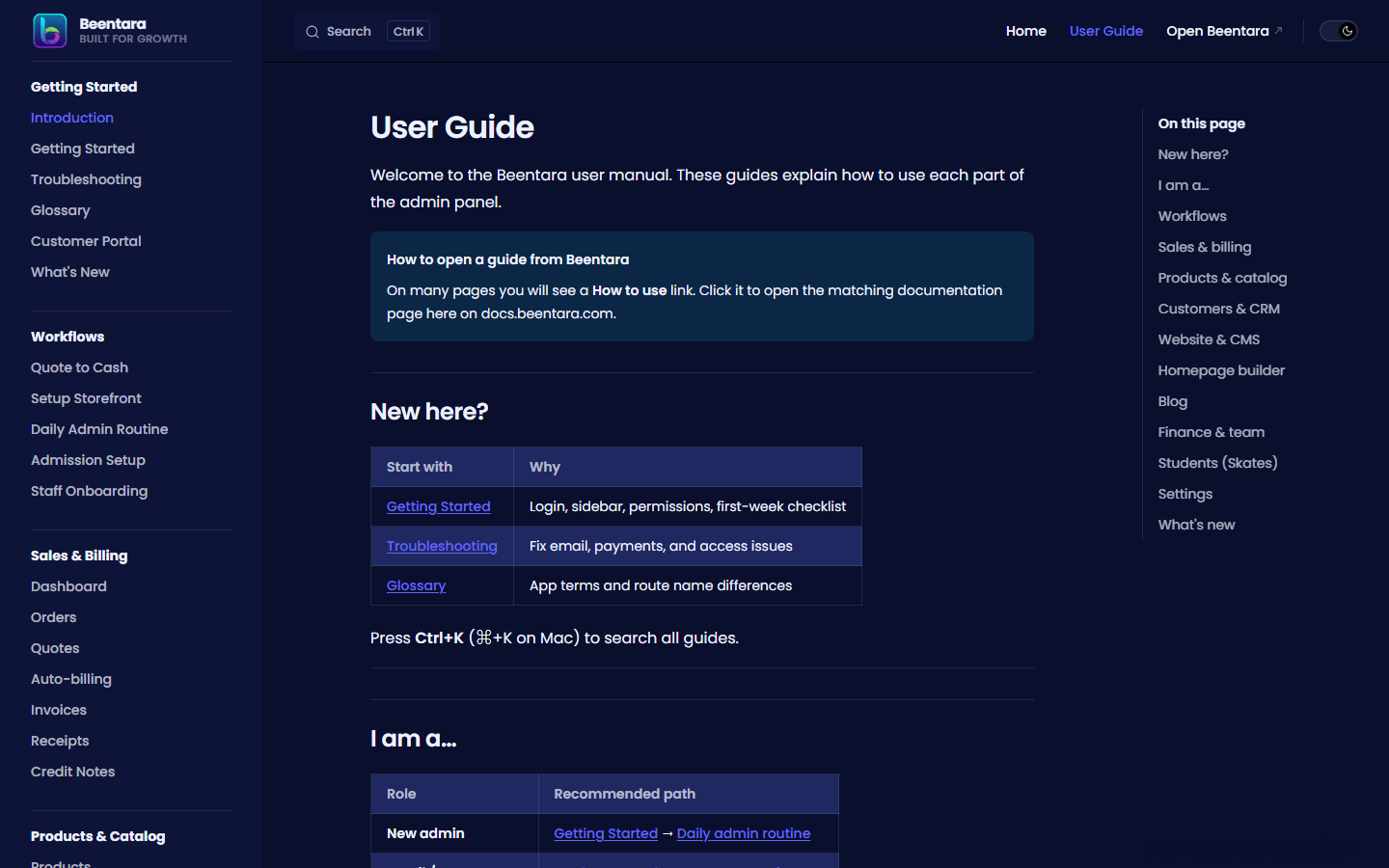
Welcome to the Beentara user manual. These guides explain how to use each part of the admin panel.
How to open a guide from Beentara
On many pages you will see a How to use link. Click it to open the matching documentation page here on docs.beentara.com.
New here?
| Start with | Why |
|---|---|
| Getting Started | Login, sidebar, permissions, first-week checklist |
| Troubleshooting | Fix email, payments, and access issues |
| Glossary | App terms and route name differences |
Press Ctrl+K (⌘+K on Mac) to search all guides.
I am a…
| Role | Recommended path |
|---|---|
| New admin | Getting Started → Daily admin routine |
| Retail / ecommerce | Products → Orders → Setup storefront |
| Services / B2B | CRM → Quote to cash |
| Skates / academy | Admission setup → Student attendance |
| Staff member | Staff onboarding → Tasks |
Workflows
- Quote to cash · Setup storefront · Daily admin routine
- Admission setup · Staff onboarding
- Customer portal
Sales & billing
Products & catalog
Customers & CRM
Website & CMS
- FAQ · Careers · Jobs · Reviews · Offers
- Menus · Media Library · Testimonials · Brand Assets
Homepage builder
Blog
- Blog Posts · Add Blog · Categories · Authors · Comments
Finance & team
Students (Skates)
Skates businesses only
These guides apply when your account has the Students sidebar section.
Settings
- Subscription · Trial Status · Delivery · Pincode
- Themes · Appearance · Footer
- Request Callback · Users · Google Ads
- Settings · Help & Support
What's new
See the changelog for recent documentation updates.